Find and filter the vehicle list
Search the vehicle list and filter it by body type or customer.
The right car is easier to find when the shop has a growing roster.
Vehicles
A customer can bring more than one car. Search or filter the vehicle list, then open the right record for its owner, plate, VIN, body type, memberships, and past jobs before the next quote or order.
Find the right car, link its owner, and keep its details, memberships, and order history in one place.
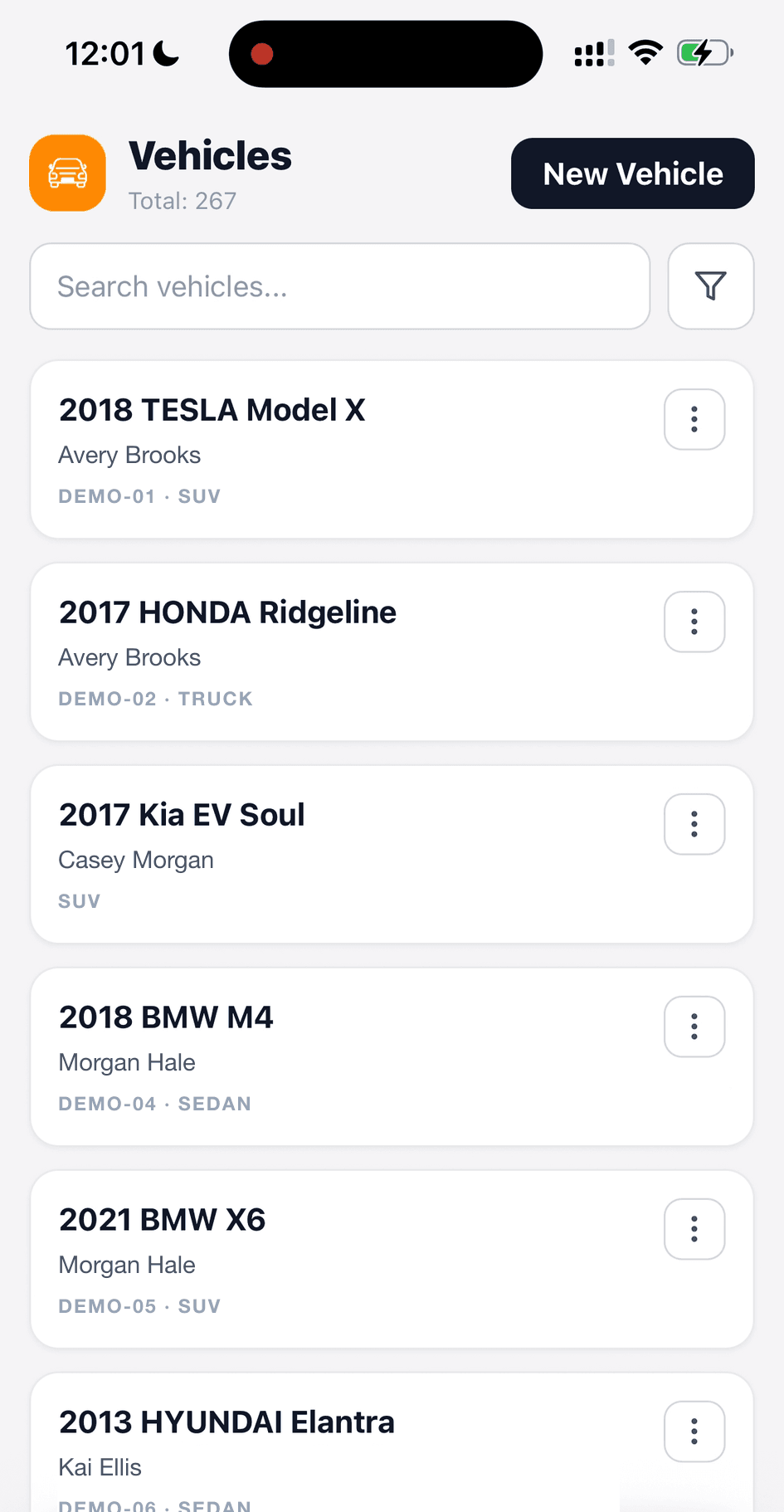
The list shows each car with its owner, plate, and body type.
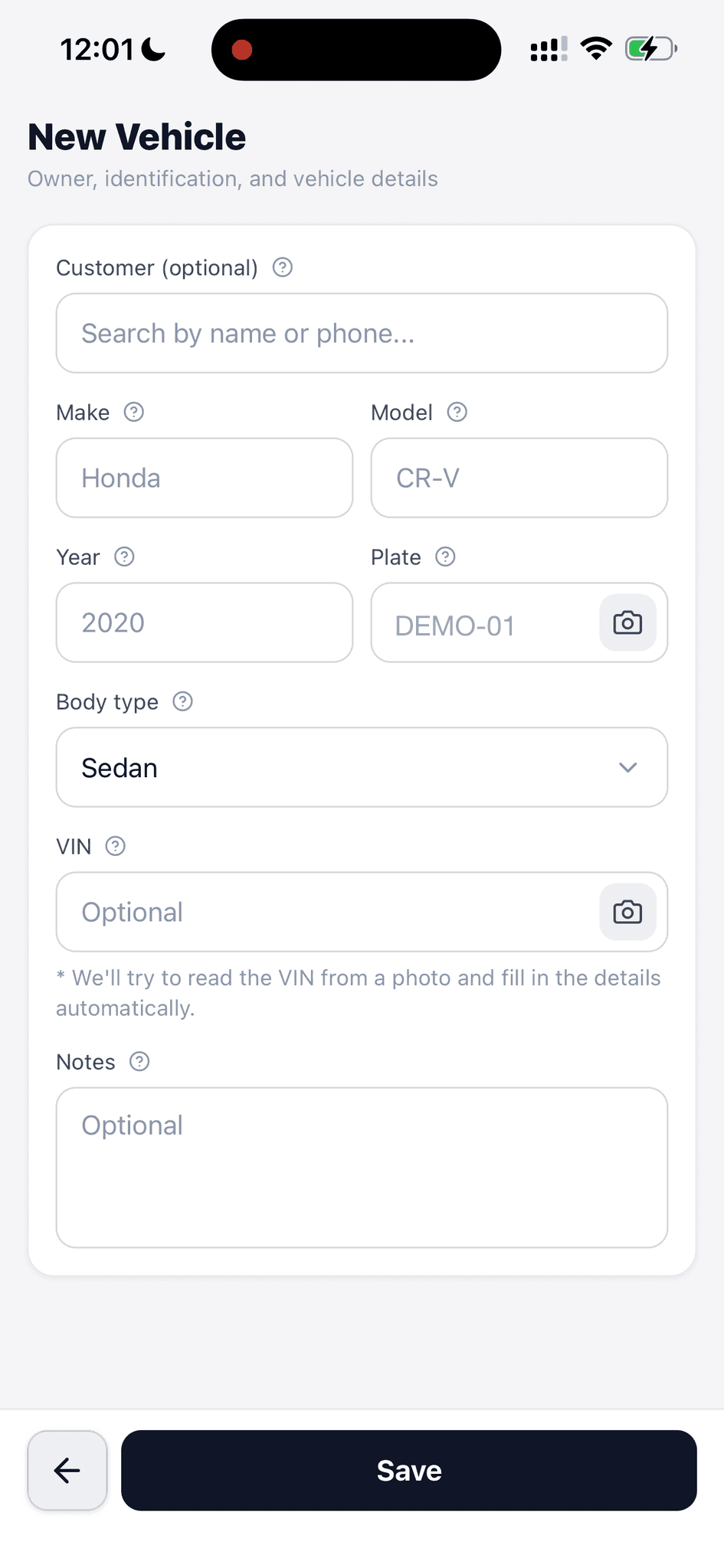
Enter the details, link an owner, or use the camera controls for plate and VIN.
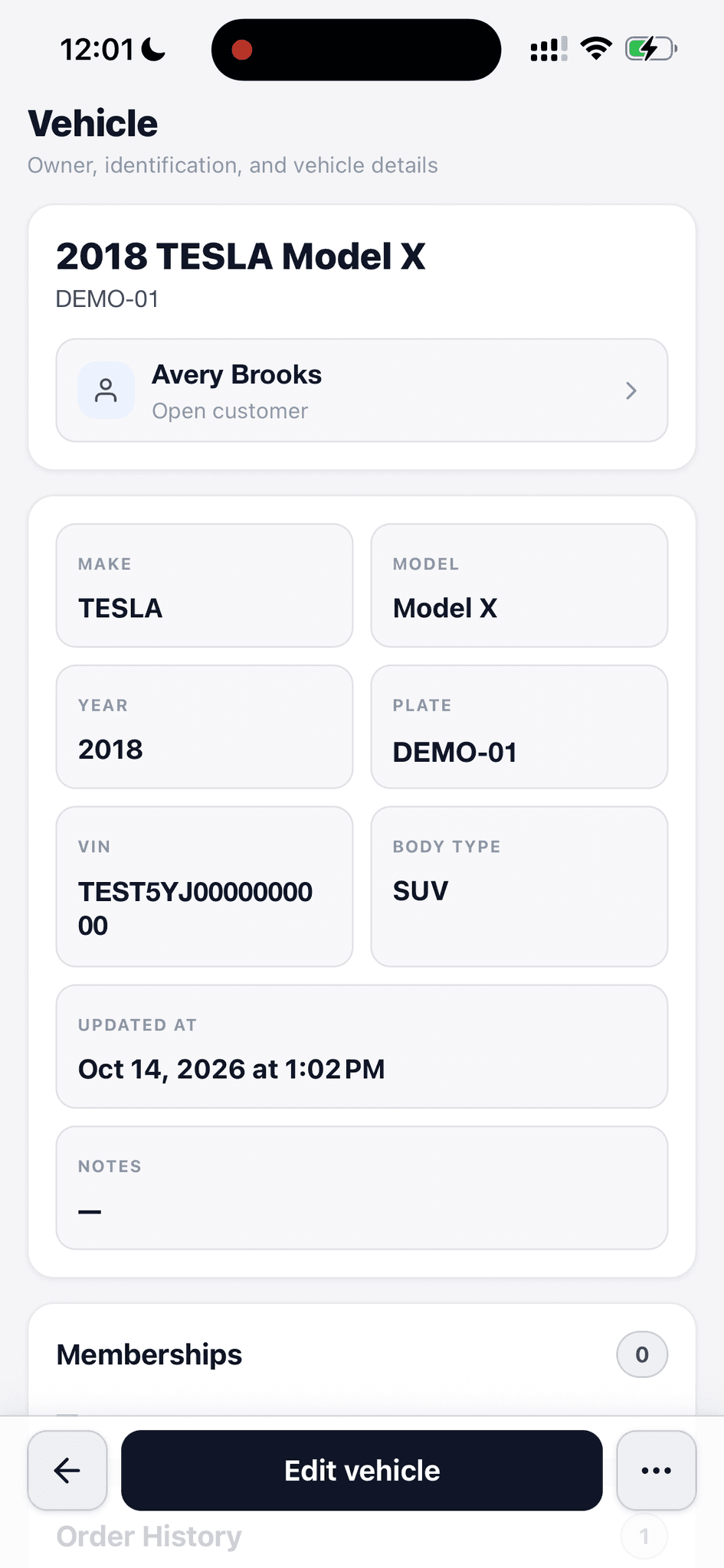
Owner, make, model, year, plate, VIN, body type, and notes stay together.
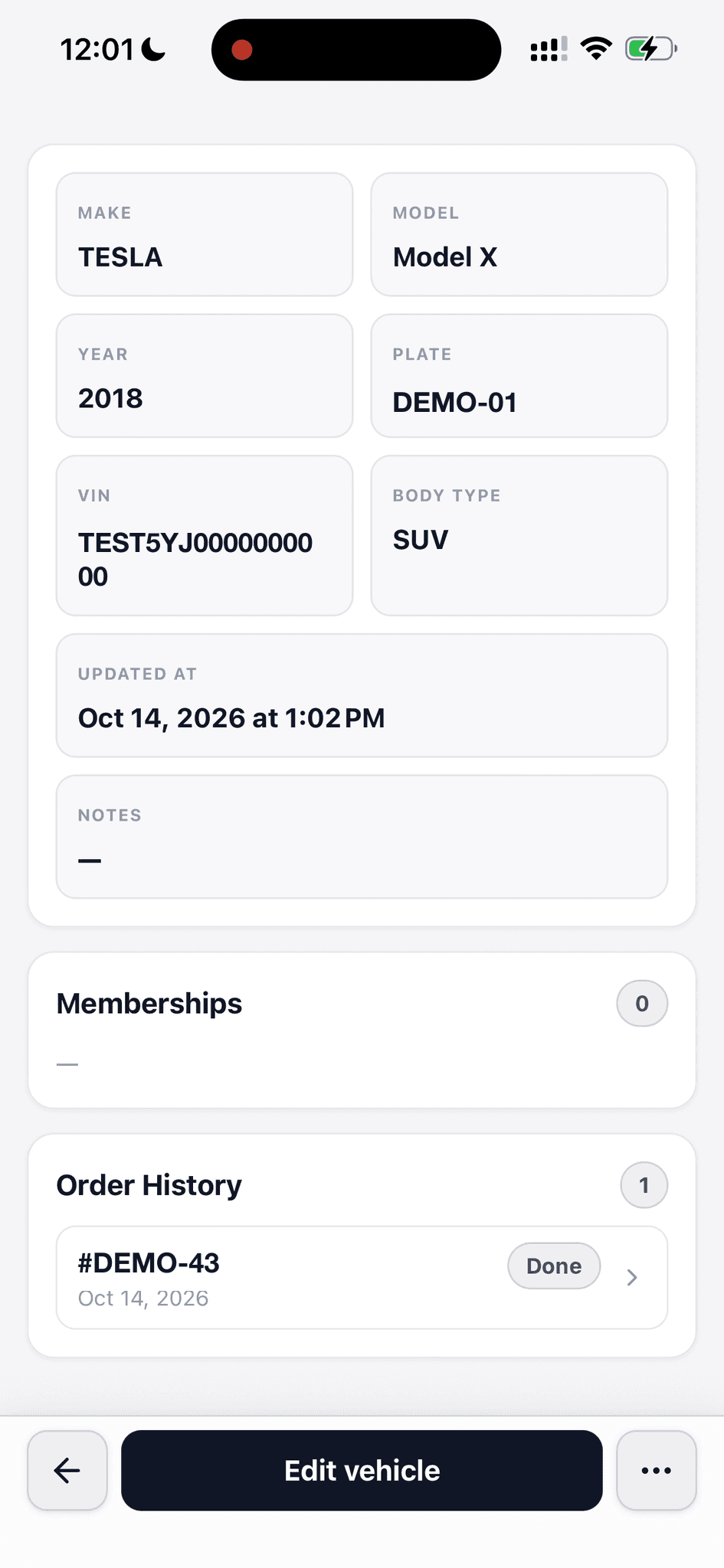
Memberships and completed orders sit below the vehicle details.
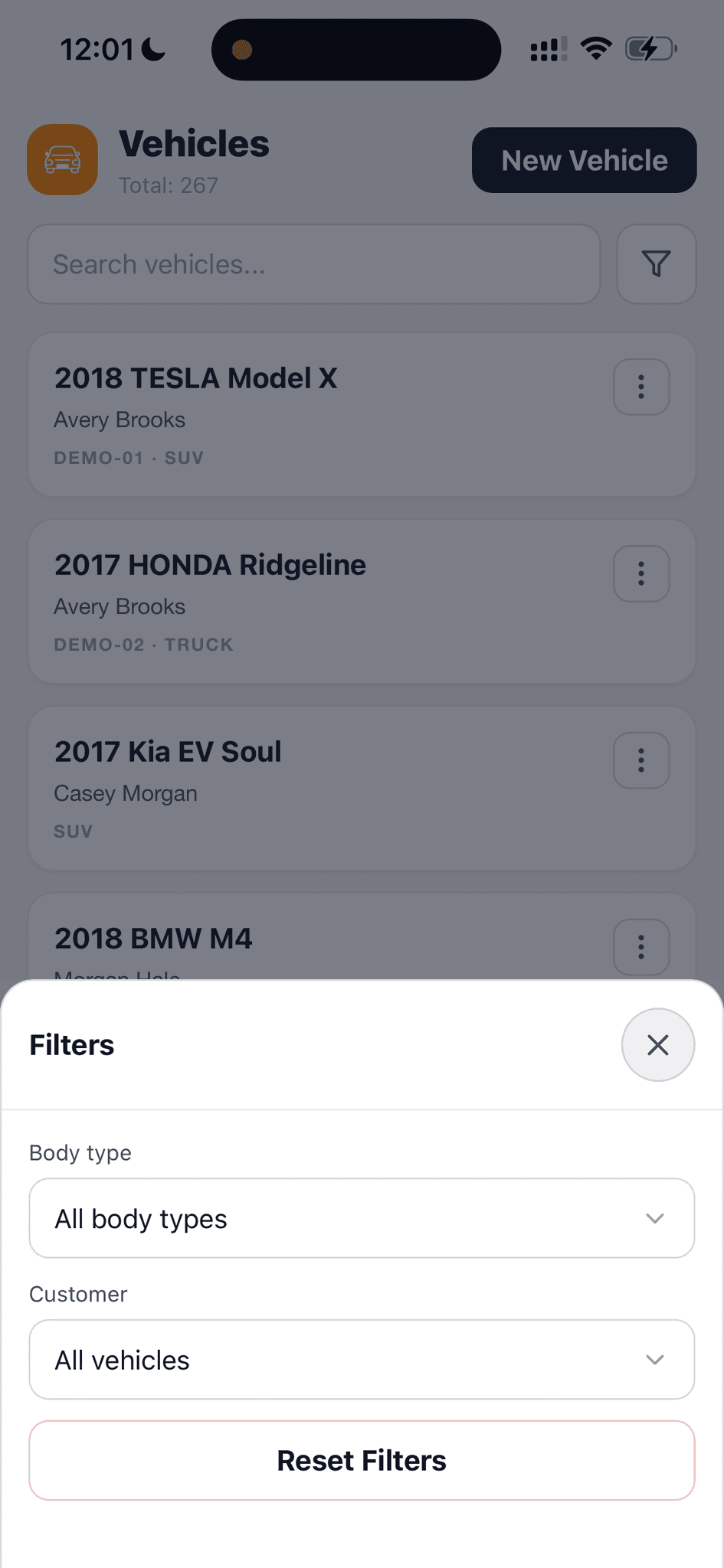
Filter by body type or customer when the vehicle list grows.
Find the right car, link its owner, and keep its details, memberships, and order history in one place.
Search the vehicle list and filter it by body type or customer.
The right car is easier to find when the shop has a growing roster.
Link multiple cars to one customer, each with its own details and work history.
A family with three cars stays one relationship without mixing up the vehicles.
Store make, model, year, body type, plate, and VIN on the vehicle record.
The shop can confirm which car a quote or order is for before work begins.
Use the camera controls for a license plate or VIN photo when adding a car. The form can try to read the VIN and fill in details.
The car in front of the bay can become a record with less typing.
Plate formatting is normalized when looking up and matching vehicles.
A space or hyphen should not make a returning car look new.
The vehicle record connects its owner, memberships, and order history.
The next visit starts with the right car's past work in view.
Walk through a real job with your services, team, and customer flow in mind.