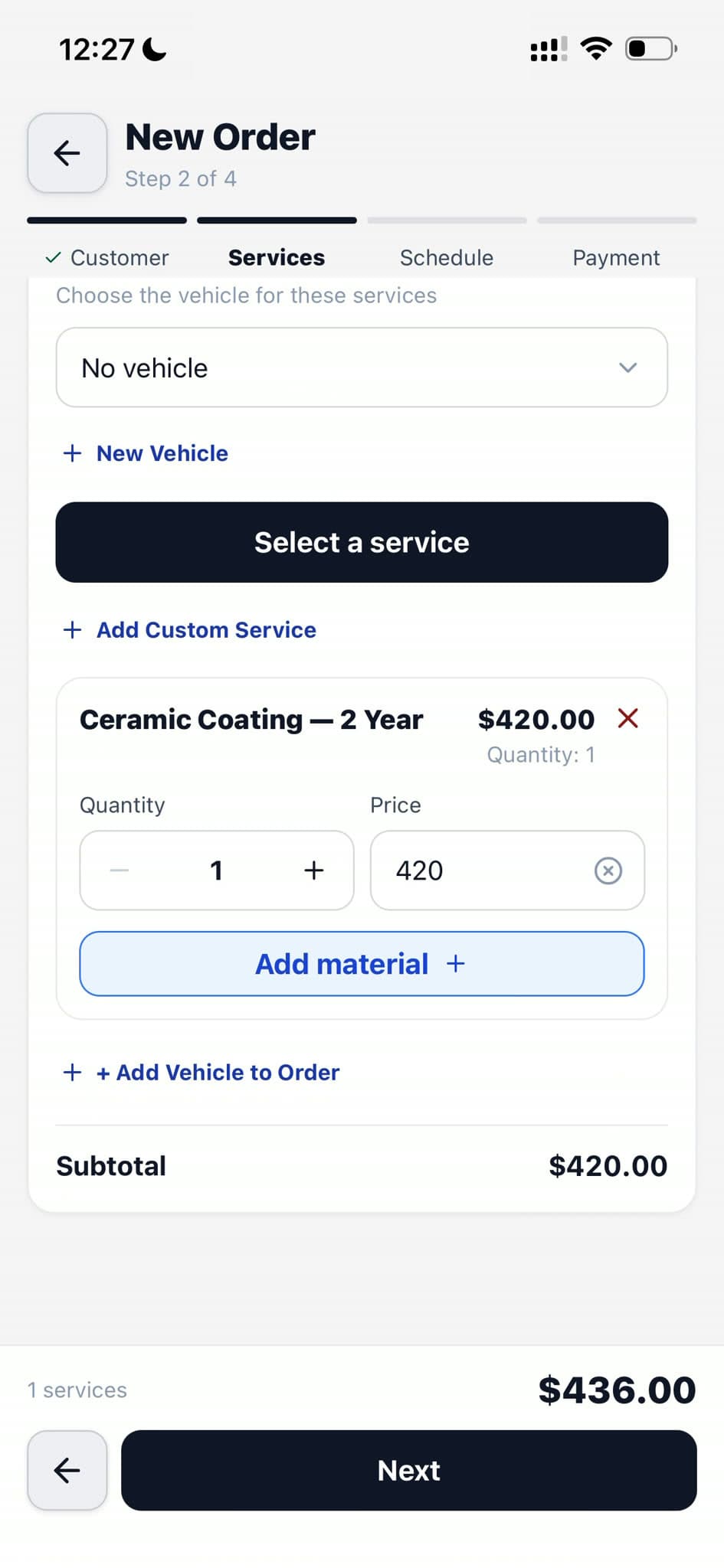
Multi-item work orders
Add any number of services, materials, and extras to a single order. Quantities, per-line pricing, and totals calculate automatically.
The messy job with three services and five products lands cleanly on one invoice — no side notes.
Body-type pricing
Surcharge logic per Sedan, SUV, Truck, Van, Motorcycle. Pulls from the vehicle record; applies to every line automatically.
The SUV that actually takes two hours gets billed for two hours — without someone remembering to add $40.
Materials on every job
Pick the wax, the pad, the spray. Stock deducts from inventory when the order completes. Cost rolls into the job margin.
Running out mid-job stops. The shelf matches the system. Margins are visible, not assumed.
Calendar conflict detection
Before a job locks into a staff slot, overlap is checked against shifts, other orders, and external events.
Nobody gets double-booked. Nobody shows up to find the bay already running another detail.
Discounts, memberships, tips
Percent or dollar discounts, member-plan pricing applied automatically, tips through Stripe or cash — all math done once.
The invoice the customer sees is the math you did, not a second version typed at the counter.
Verified order signatures
Capture a signature in person or send a tokenized SMS link for remote signing. The signed order keeps an immutable content snapshot and a verified, stale, or revoked status.
The customer approves the exact job record. If protected order details change later, the old signature cannot quietly pass as current.
Signed PDF invoice
One-click PDF of the completed work. Sendable, storable, attachable to bookkeeping.
Feels like a real receipt, not a half-baked printout. Customers keep them; accountants accept them.
Bulk archive
Archive or soft-delete orders in bulk. History stays, lists stay clean.
The end-of-year cleanup is a minute, not an afternoon.