Searchable service catalog
See each service with its starting price, active status, and body-type pricing state. Search by name or filter by status and duration.
Find the right service without scanning a long price list.
Services
Build a clear menu for the work you sell. Give each service a starting price and duration, decide whether vehicle body type adjusts the price, and track vendor costs when the work is subcontracted. Find, review, edit, or deactivate a service from the same catalog.
Set the starting price, duration, and rules once. Keep the service menu current as your shop changes.
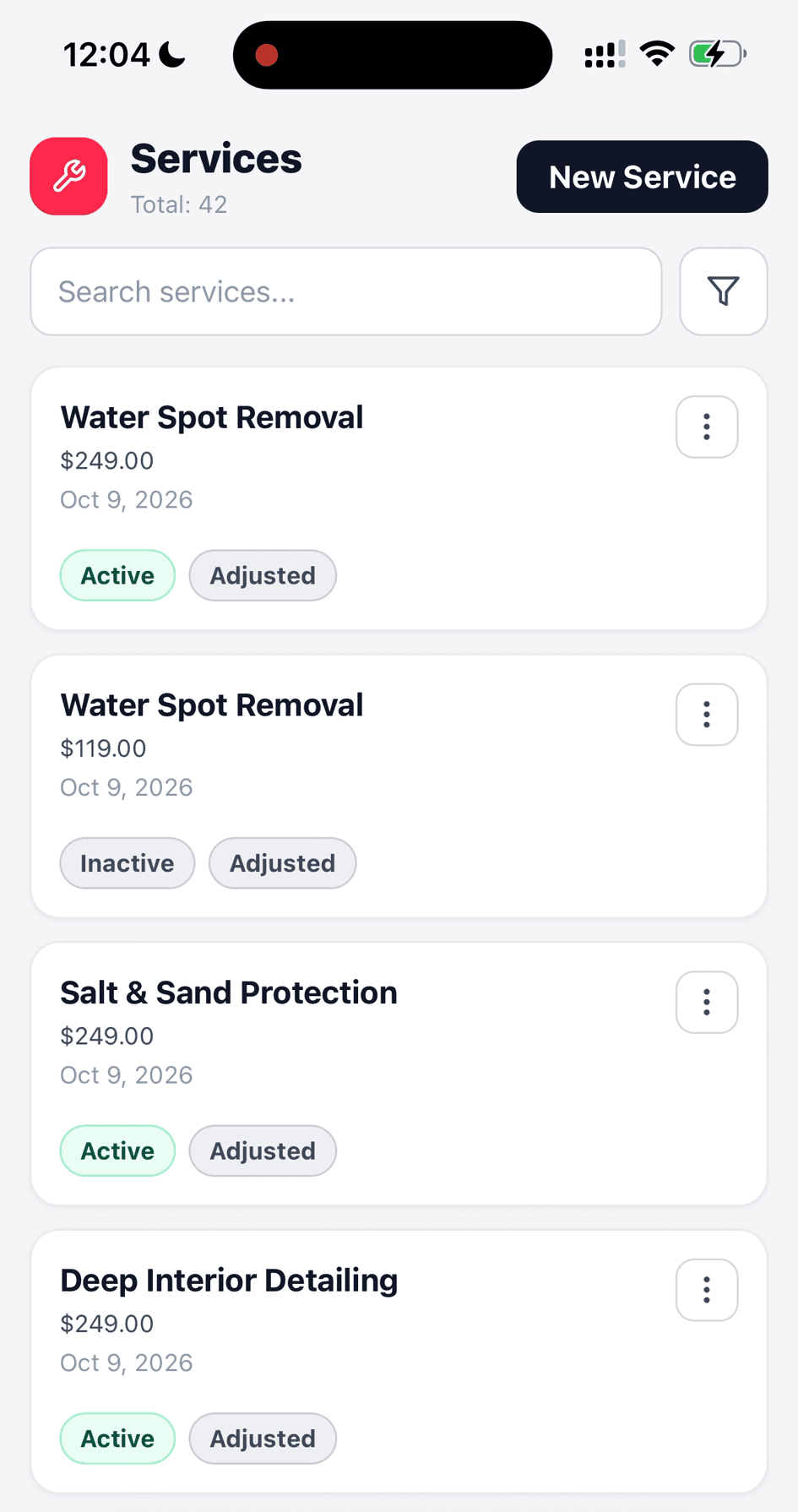
Search the menu and see each service's starting price, status, and pricing rule.
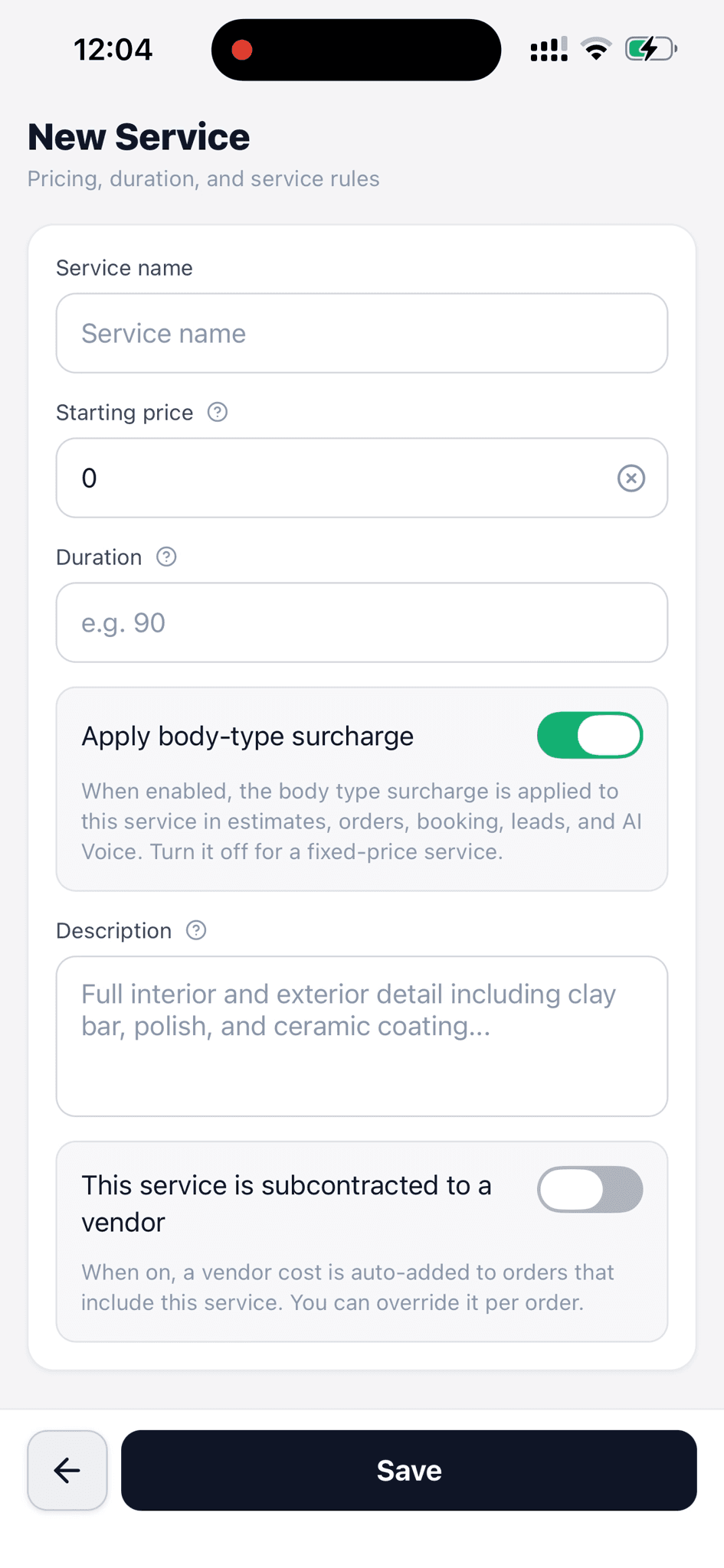
Add its price, duration, description, body-type surcharge, and vendor cost rule.
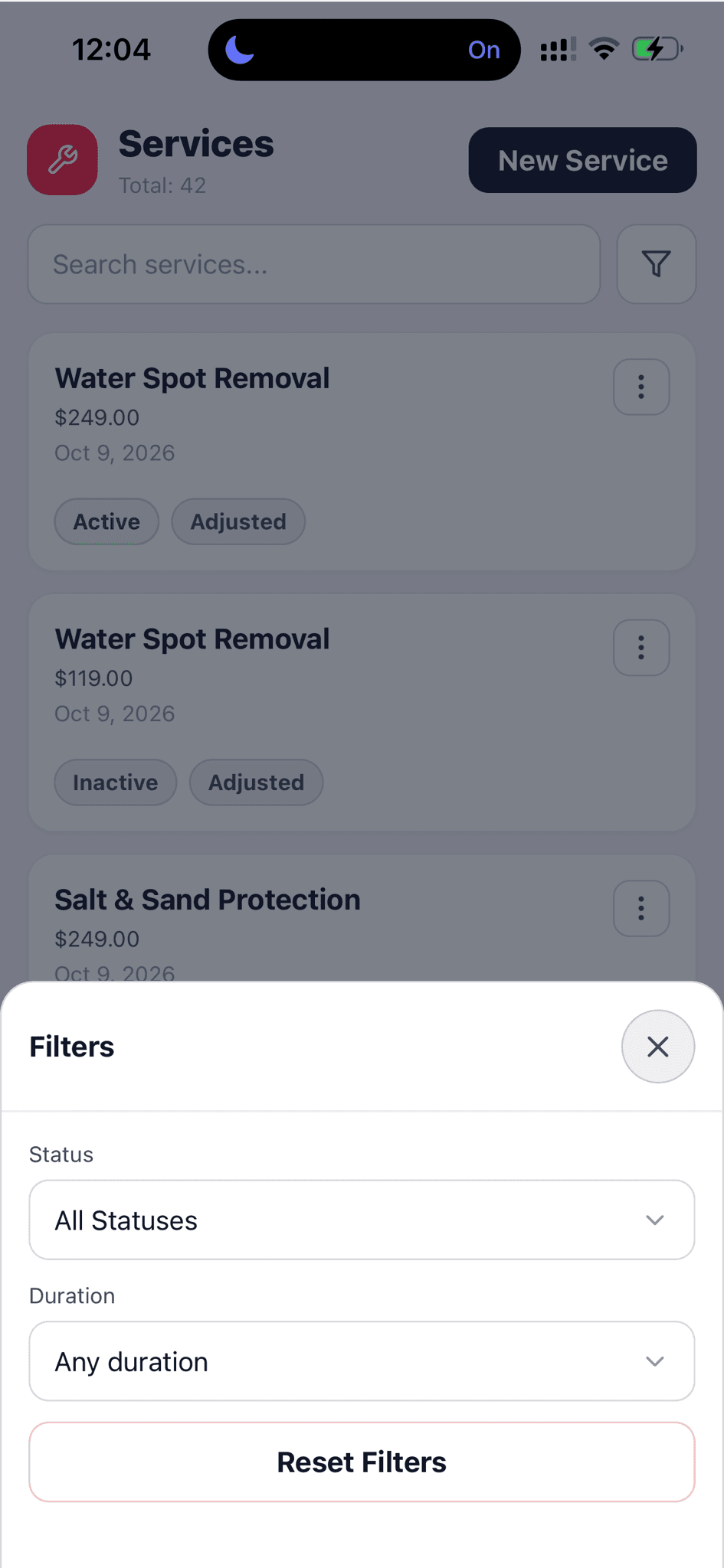
Filter services by active status or duration.
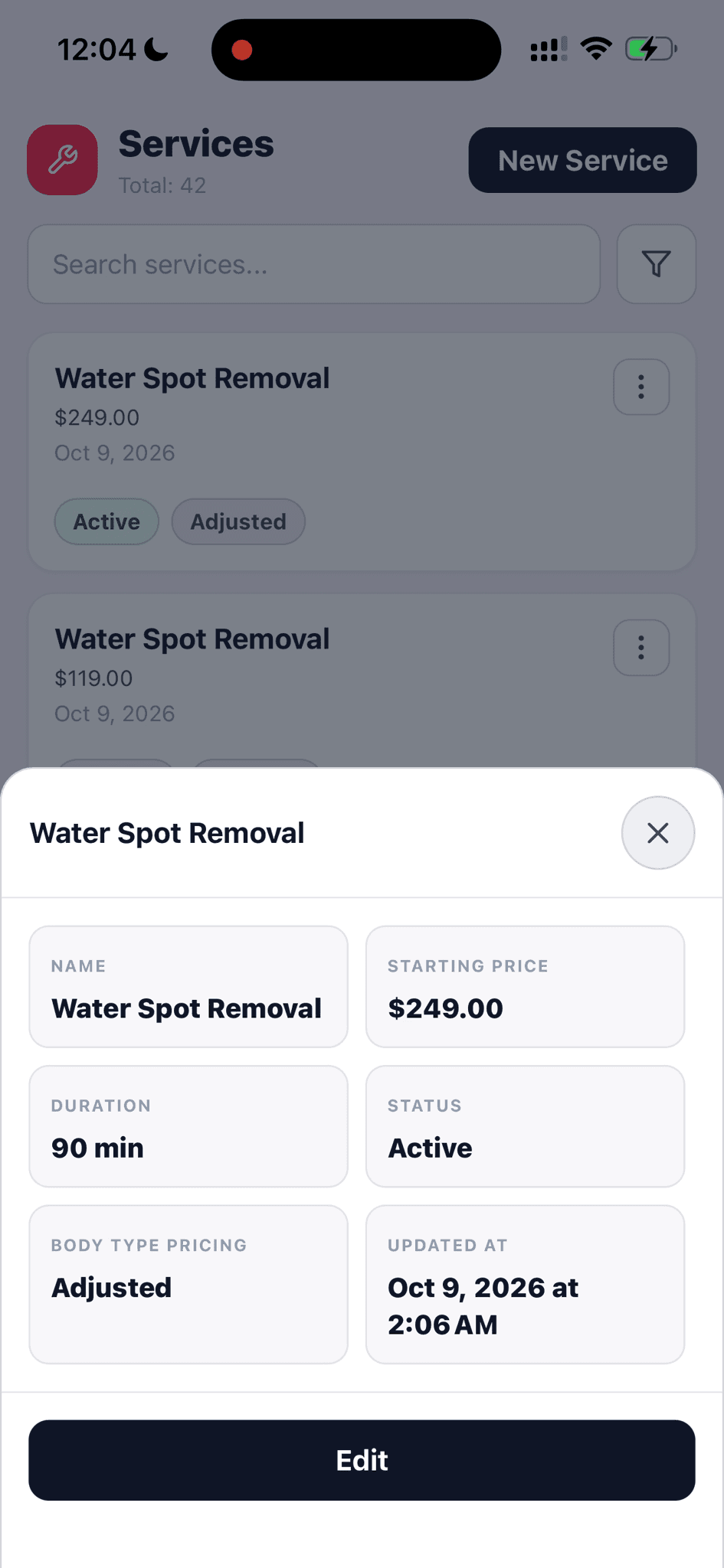
Check the current price, duration, status, and body-type pricing before editing.
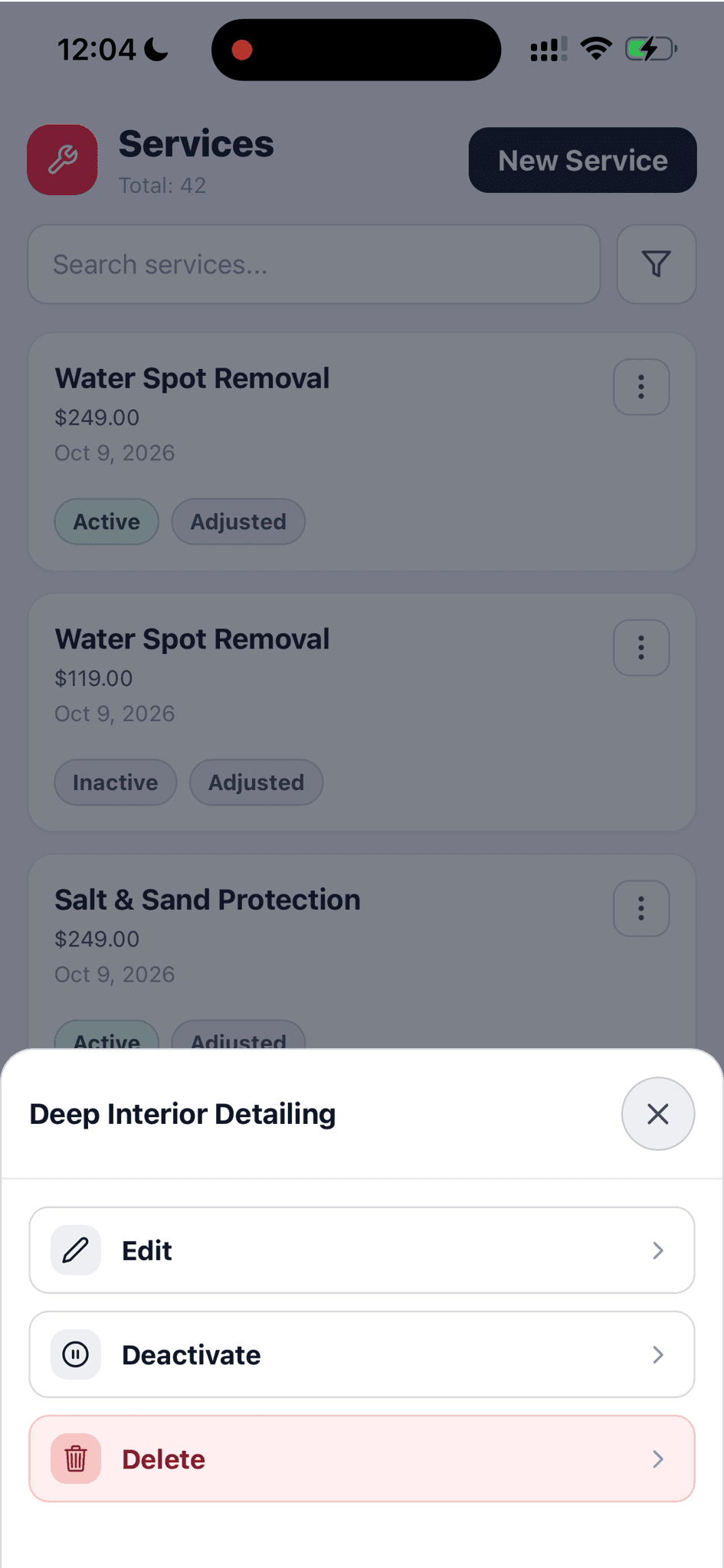
Edit an offering or deactivate it when it is no longer available.
Set the starting price, duration, and rules once. Keep the service menu current as your shop changes.
See each service with its starting price, active status, and body-type pricing state. Search by name or filter by status and duration.
Find the right service without scanning a long price list.
Create or edit a service with a name, starting price, estimated duration, and description.
The team works from a defined offering instead of rebuilding the scope for each customer.
Turn the body-type surcharge on or off for each service. When enabled, the adjustment carries into estimates, orders, booking, leads, and AI Voice.
Keep a fixed-price service fixed, and apply vehicle-aware pricing where the work calls for it.
Mark a service as subcontracted so its vendor cost is added to orders that include it. The cost can be overridden per order.
The outside cost follows the job instead of being remembered later.
Open a service to check its price, duration, status, and pricing rule. Edit or deactivate it from the list.
The menu stays accurate when an offering or its price changes.
Walk through a real job with your services, team, and customer flow in mind.