Staff roster
Keep staff names, email addresses, and roles in one directory. Open a member's actions to edit the record or remove access.
You can find the right person and manage access without searching through separate records.
Staff
See who works in your shop, invite new teammates, plan their shifts, and decide which areas each role can access.
Invite staff, plan shifts, and set role permissions from one workspace.
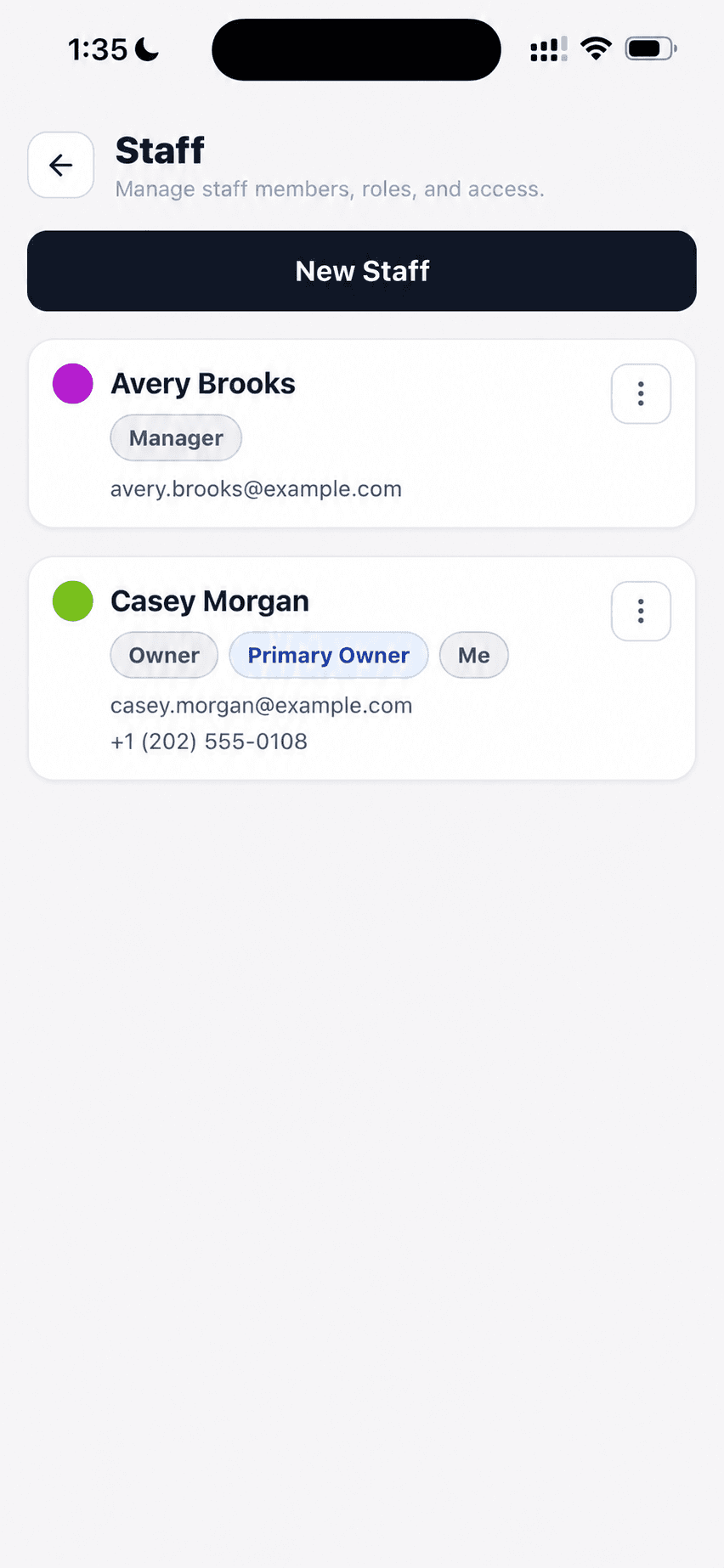
Keep the staff directory, contact details, and each person's role in view.
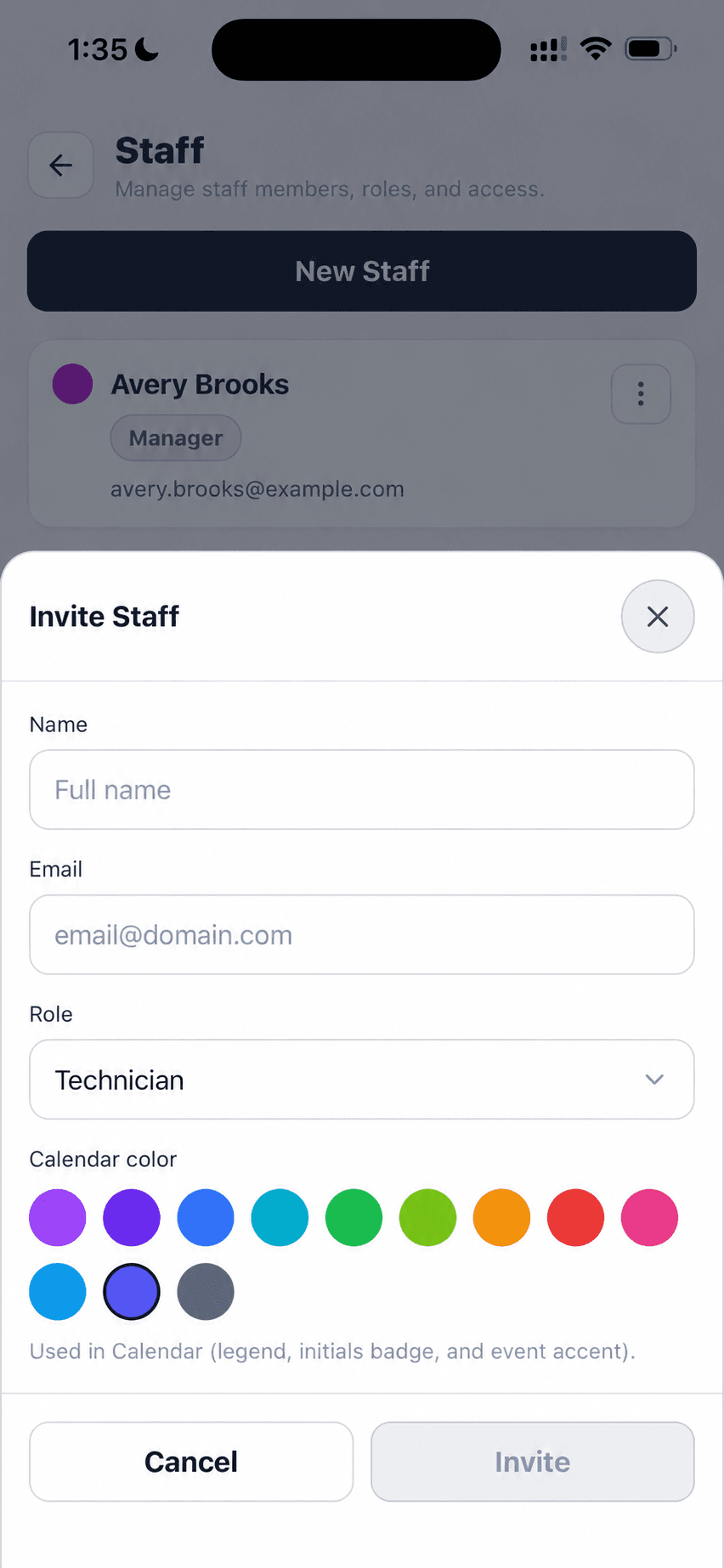
Enter their name and email, choose a role, and pick a calendar color.
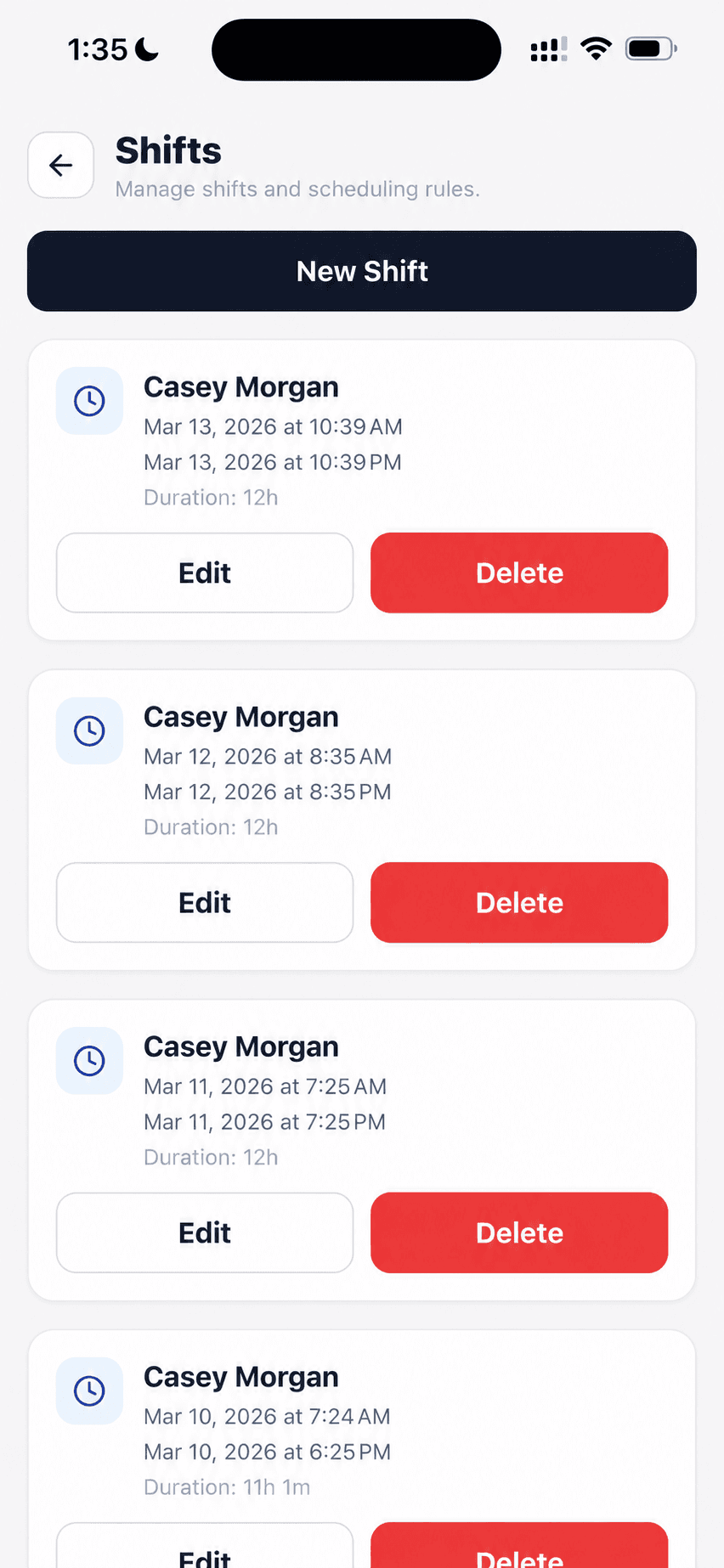
See who's scheduled, when each shift starts and ends, and its duration.
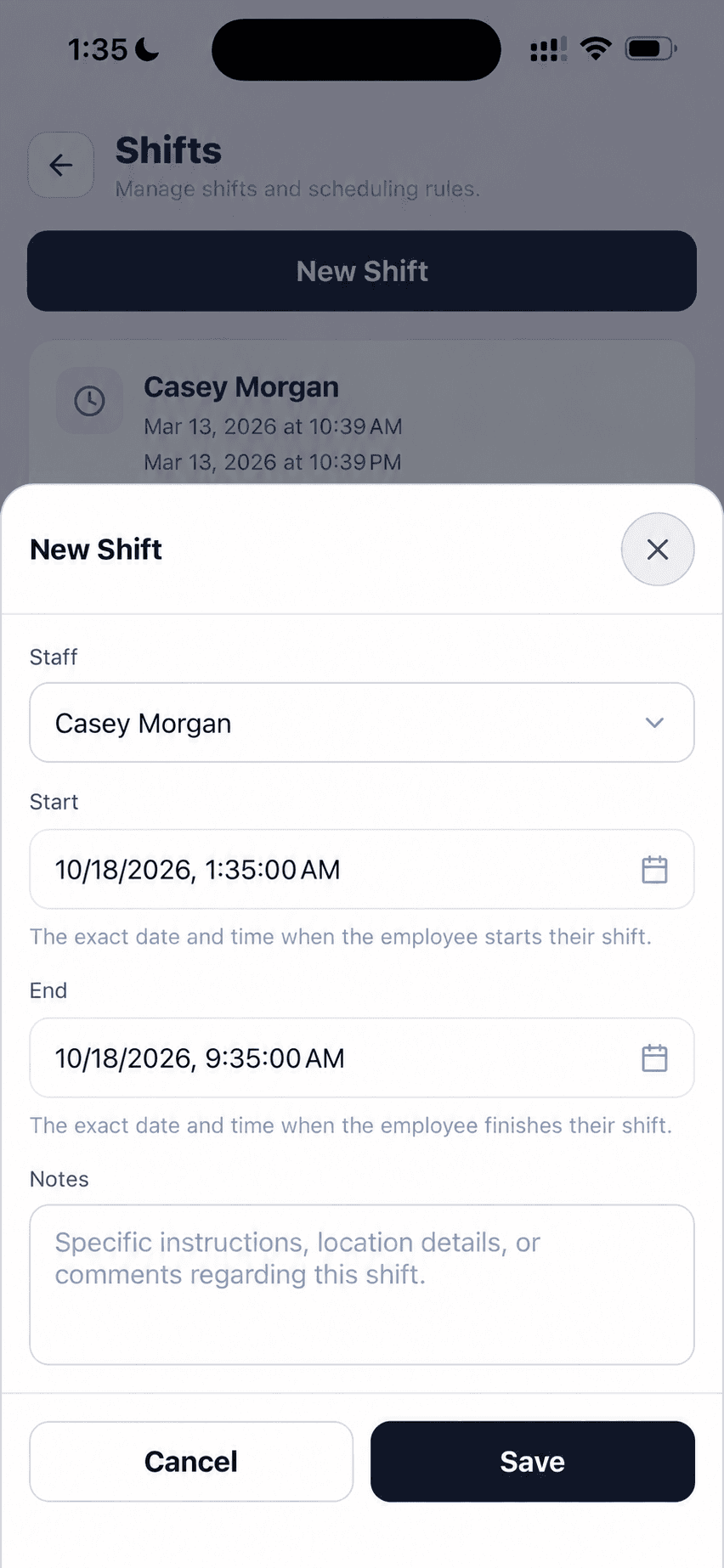
Choose a teammate, set the start and end, and leave a note for the day.
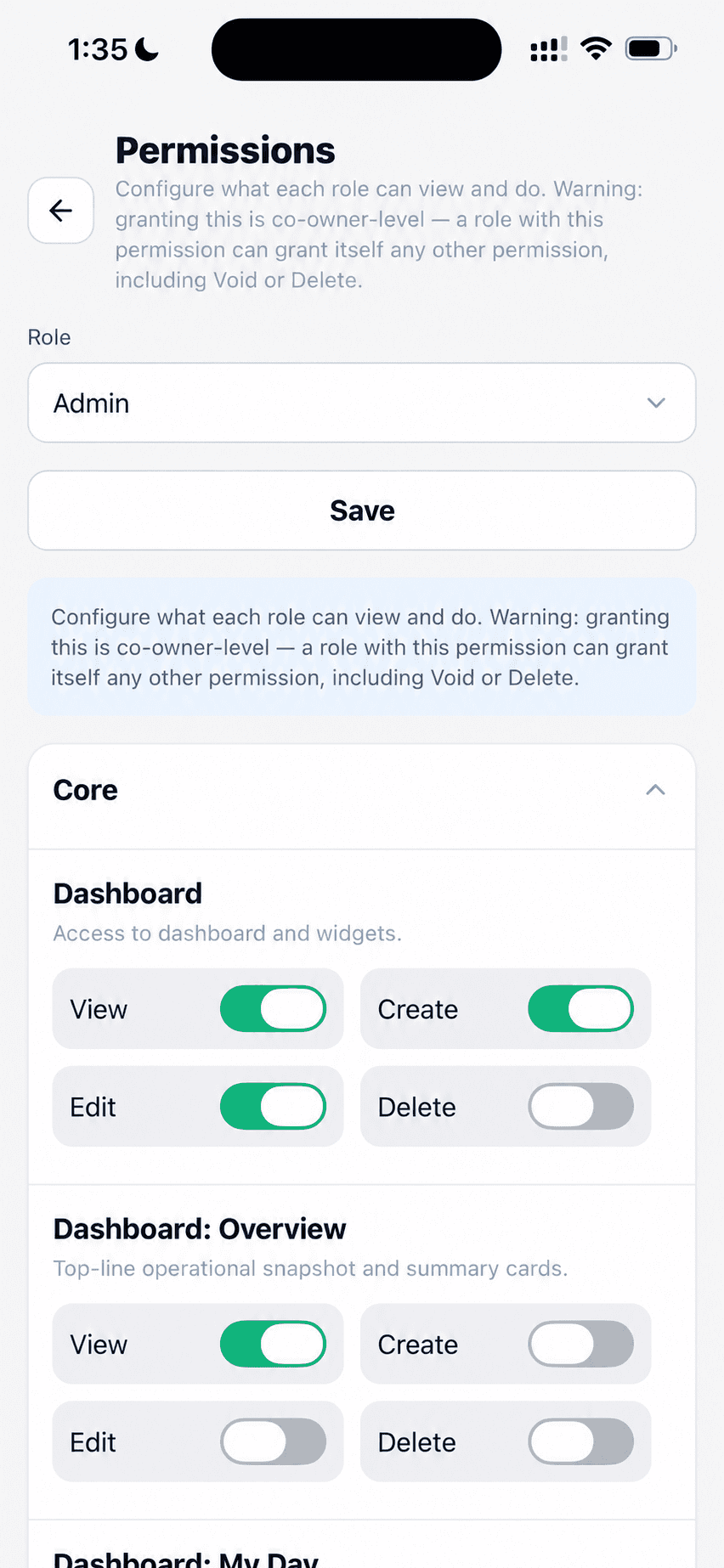
Choose a role and control view, create, edit, and delete access by area.
Invite staff, plan shifts, and set role permissions from one workspace.
Keep staff names, email addresses, and roles in one directory. Open a member's actions to edit the record or remove access.
You can find the right person and manage access without searching through separate records.
Enter a teammate's name and email, choose their role, assign a calendar color, and send the invitation.
A new person arrives with their role and calendar identity already set.
Review each scheduled shift with the staff member, date, start, end, and duration. Edit or delete a shift from the list.
The shop can see who's due in and correct the schedule when plans change.
Choose the staff member, set exact start and end times, and add a note before saving.
The person and the hours stay together in one shift record.
Select a role and set view, create, edit, and delete permissions for shop areas such as orders, customers, and vehicles.
Access can match what each role needs to do in the CRM.
Walk through a real job with your services, team, and customer flow in mind.