Settings
Set the rules your shop runs on.
Set business details, hours, order numbers, payments, customer messages, CRM-hosted website access, online booking, and AI voice from one place.
Inside the CRM
Open the setting you want to see.
Choose a section, then inspect its CRM screens. The tour covers the workspace, shop operations, customer channels, and AI voice setup.
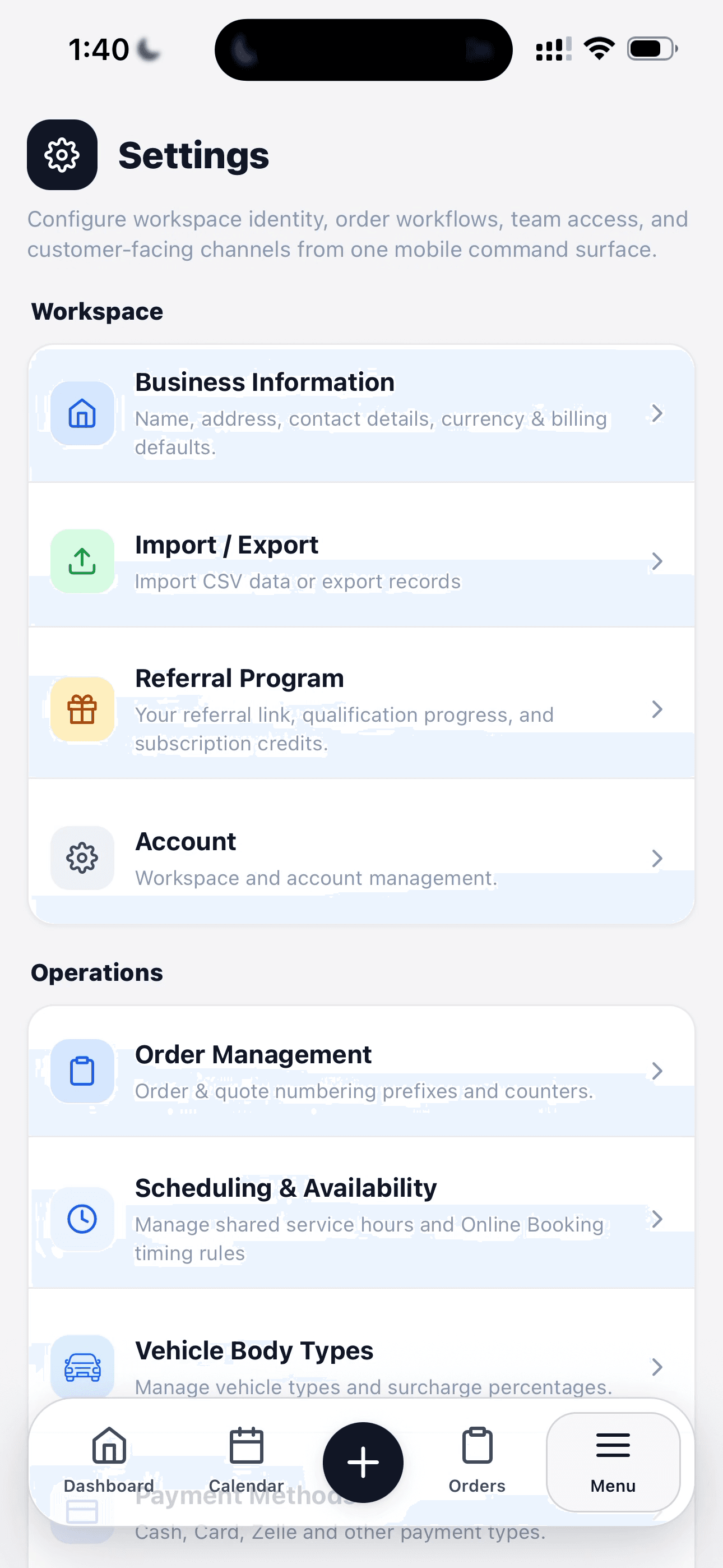
Settings menu
The Settings menu groups the controls that run the workspace. Open Business Information, Import / Export, Referral Program, and Account from the Workspace section; operational rules sit in their own section below.
The same menu leads to team access, website connections, online booking, and AI voice settings. Each item opens a focused screen, so shop details and customer-facing channels can be configured separately.
See all settings screens
Workspace
Operations
Access & messages
Websites & booking
Publish booking
AI voice
See settings in your shop.
Walk through a real job with your services, team, and customer flow in mind.